Applications from enquiry to accepted offer
How Achekam's Education pack follows each application through six stages, routes it to an admissions officer and logs every supporting document.
By Achekam · · 4 min read · For Education businesses in South Africa, Nigeria, Kenya
Launching soon. The Industry CRM add-on described in this article is launching soon. This article describes it as it will work at launch.
In most admissions offices the intake season runs on a shared inbox, a spreadsheet and memory. An enquiry comes in through the website form, another by phone, a third from a walk-in parent. Some become applications; some of those send their certificates; a few are made offers. Then the questions start. Did this applicant ever send the transcript? Who was meant to assess her? Did he accept the offer, or did someone just think he had?
The Higher education & EdTech pack in Achekam's Industry CRM gives that season a structure: one record per application, a fixed set of stages, named people at each step and a log of every document. This article walks through it for a college, training provider or EdTech business in South Africa, Nigeria or Kenya.
Two records: the application and the enrolment
The pack speaks the language of an institution rather than a shop. Its customers are called Students, and it keeps two kinds of record:
- an Application, which carries the documents received for it; and
- an Enrolment, which carries a fee plan of instalments once the student is in.
Keeping them apart matters. An application is a question still being decided; an enrolment is a commitment with money attached. The labels on the screens, the record types, the stages, the workflows, the documents requested and signed, the reminders and the counts on the home page are all set by the pack, so staff see "application" and "student" where a retailer would see "order" and "customer".
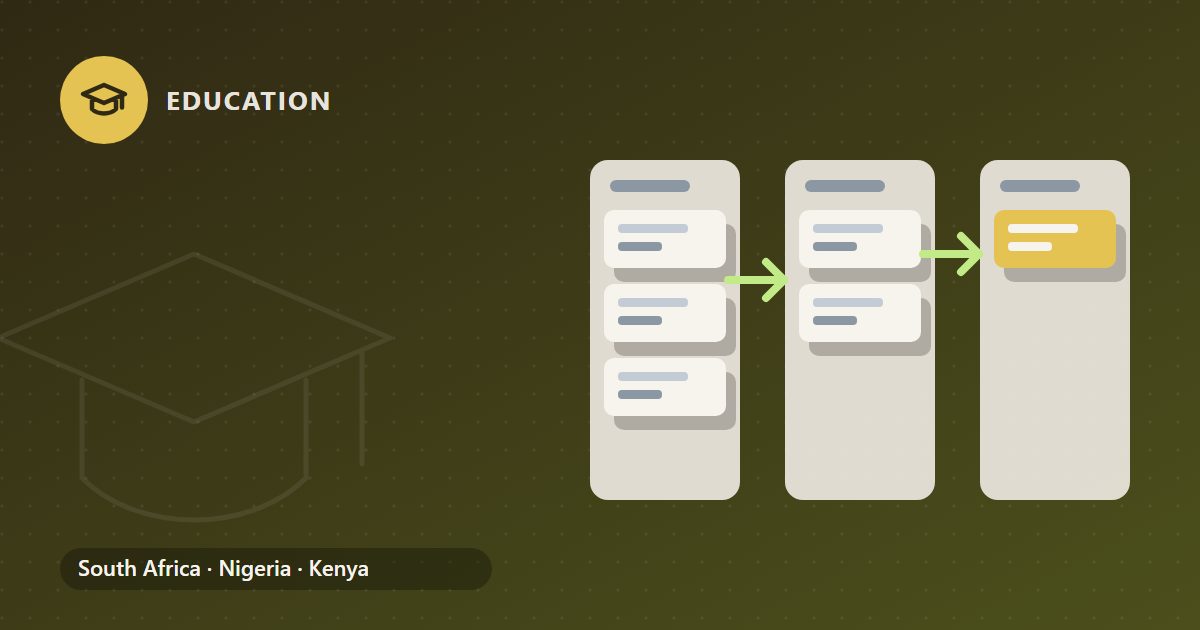
Six stages from first question to accepted offer
Every application moves along the same path:
| Stage | What it means | Who usually acts |
|---|---|---|
| Enquiry | Someone has asked about a programme | Admissions or marketing staff |
| Application received | A formal application is in | Admissions officer |
| Documents complete | Every supporting document asked for has arrived | Admissions officer |
| Assessed | The application has been reviewed against the entry requirements | Admissions officer, with the head of admissions |
| Offer made | The institution has offered a place | Head of admissions |
| Offer accepted | The applicant has signed the acceptance | The applicant |
An enquiry often begins as a lead from your website or a referral. Converting that lead creates the student and the application at once and starts the application's workflow, so nobody has to type the same name and e-mail address into two places. Investopedia's CRM guide explains the thinking behind this kind of record: what customer relationship management is, the processes it covers and the types of CRM technology in use.
Routing, documents and the log
The application intake workflow does three practical things.
It routes the application to an admissions officer. The application has an owner from the moment it arrives, rather than sitting in a shared inbox until someone notices it.
It requests the supporting documents. The applicant receives a request listing what the institution needs, such as identity documents, certificates or transcripts, and their answer moves the task on.
It logs each document as it arrives. Each item is recorded against the application, which is what lets the record reach "Documents complete" honestly rather than because somebody believed the file was full.
Behind the stages sit tasks. A workflow creates its tasks stage by stage, so the officer sees what is due now rather than every task for the whole season at once, and tasks can have subtasks up to three levels deep. "Verify qualifications", for example, can hold a subtask per certificate.
Why "Offer accepted" cannot be reached on a hunch
In the Industry CRM, some stages have conditions a record must meet before it can move into them: a customer must be named, an amount set, a workflow stage finished, or a signature task completed.
For applications, the important one is at the end. An application is accepted only once a signature task is done, which means the applicant has actually signed the acceptance of the offer. Nobody can drag the record into "Offer accepted" because a parent said yes on the phone. If the institution's numbers for the coming intake are built from accepted offers, that rule is what makes them trustworthy. The signing step itself, and the fee agreement that goes with it, are described in signed offer acceptance and the fee agreement.
The decision to make an offer is a person's, and the head of admissions approves it. The pack does not score or rank applicants; more on that in admissions decisions stay with people.
What the counts on the home page tell you
The home page of the pack shows counts that come from the records, the tasks or the ledger, and none is typed in by hand. Among them: open records, records in a given stage, overdue tasks, tasks due today and key dates in the next 7 days.
For an admissions team that means questions like "how many applications are stuck at Documents complete?" or "how many tasks are overdue this week?" are answered by the system's own records rather than by a weekly spreadsheet someone updates on a Friday.
Setting it up for your next intake
Before the next admissions window opens, agree three things with your team:
- Who owns which applications. Decide how applications are split between admissions officers, by programme or by campus.
- What "documents complete" means for each programme. Write down the list of documents each one requires, so the request the applicant receives and the log the officer keeps match.
- Who signs off offers. Name the head of admissions, and a deputy for when they are away.
With those decisions made, the pack's stages become a shared picture of the intake rather than one more place to update. Your team still makes every decision; the record simply shows where each application stands and what is missing.
General guidance only, not advice on your own circumstances. Tax and payroll rules change: check the current position with the authority or your adviser.
